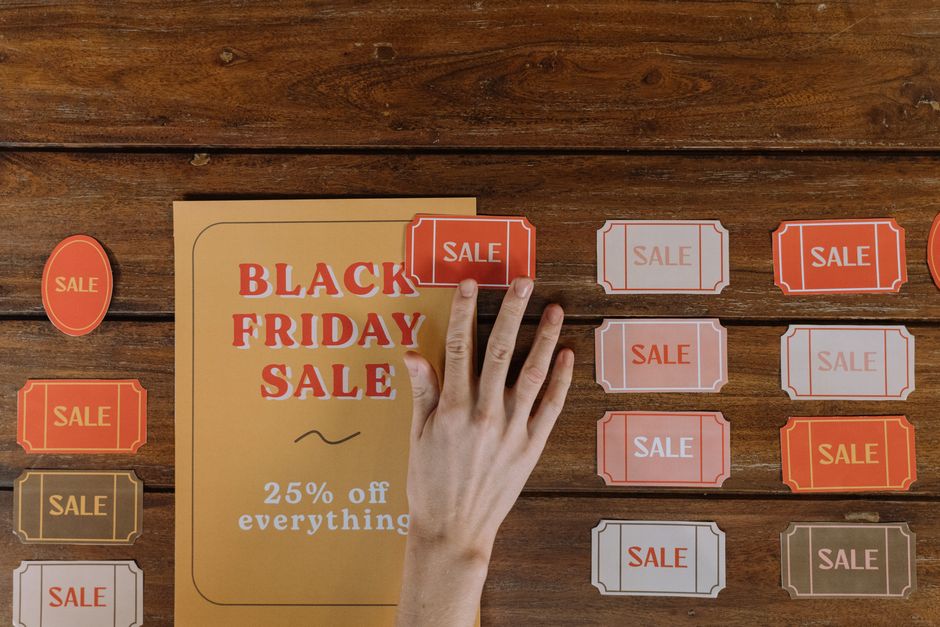
A flyer does a job that a calendar listing cannot do on its own. It carries the mood of the night, the name of the venue, and the one detail that makes someone stop scrolling. The problem has always been the production step: opening a design tool, fighting with alignment, and exporting something that still looks like a template. A free AI event flyer maker collapses that step. You describe the event, the tool returns a finished design with a headline, layout, graphics, and typography in a single pass, and you adjust from there.
Eventweet sits on either side of that moment. The platform handles discovery, event creation, promotional copy, and RSVP tracking, so the flyer is not an isolated file floating in a camera roll. It becomes the visual front door for an event page people can actually find, join, and share. This guide walks through the full workflow, from prompt to published flyer to tracked RSVPs.
What a Free AI Event Flyer Maker Actually Does
Modern AI flyer tools have moved past the template-picker model. A generator can take a written prompt and return a complete design in one pass, including the headline, layout, graphics, and typography, without you starting from a blank canvas or a stock template. That is the core promise behind tools like the party flyer generator from Pixexact, which markets itself on exactly that prompt-to-design flow.
Other tools in the same category take a slightly different route. Edraw.AI offers a drag-and-drop editor paired with AI design tools, so the AI produces a starting point and you refine text, images, colors, and layout by hand. Designhill promotes a free flyer maker with free templates that you edit in an online editor. Microsoft Word offers free, customizable printable flyer templates and adds AI editing features such as copy assistance through Copilot. Canva has released an AI app aimed at producing flyers and posters quickly, which users in event production communities have discussed as an option for people without design skills.
The practical takeaway is that free AI flyer generation now covers two styles of work: prompt-first generation, where the design appears almost fully formed, and template-first editing, where the AI helps you improve a design you already chose. Both are legitimate, and the right one depends on how much control you want.
Where Eventweet Fits in the Flyer Workflow
Eventweet is a mobile-first platform for discovering local events and attractions, creating and promoting events, and managing RSVPs and ticketing. Its AI prompt generator produces event descriptions, marketing assets, and promotional copy, and the platform connects with social media and mapping APIs so promotion and location data travel together.
That means the flyer is one output in a chain that already exists inside the product. The copy that goes on the flyer can come from the same generator that writes the event description. The event page that the flyer points to lives in the same place where RSVPs are tracked. Nothing has to be pasted between four different apps.
Step 1: Lock the Event Details Before You Generate Anything
AI flyer tools are only as good as the prompt behind them. Before you open a generator, write down the event name, the date, the start time, the venue or platform, the price or free entry status, and the single strongest reason to attend. If your event page already exists in Eventweet, pull the details from there so the flyer and the listing never disagree. A flyer that says 8 PM while the event page says 9 PM creates confusion you will spend the week correcting.
Step 2: Generate the Promotional Copy First
Copy is the part most organizers rush, and it is the part AI handles well. Use Eventweet's AI prompt generator to draft the event description and promotional lines, then shorten the strongest sentence into a flyer headline. A good flyer headline is usually six words or fewer and names the benefit or the vibe rather than restating the event type. Supporting lines carry the logistics: date, time, location, entry details, and a call to action.
Step 3: Build the Flyer Around That Copy
With the headline and logistics settled, move into a free AI flyer maker. Prompt-based generators work best when you describe the visual direction in concrete terms: the setting, the color mood, the energy level, and the type of audience. If you prefer more control, choose a free template, then use the editor's AI features to adjust the copy and swap imagery. Keep the flyer to one focal point, one headline, and one call to action. Everything else is optional.
Step 4: Publish, Promote, and Track RSVPs in Eventweet
The flyer is not the destination. Upload it to your event page in Eventweet, then push the event through your connected social accounts so the graphic and the listing appear together. Because Eventweet handles RSVP tracking and ticketing, you can see which promotion actually converted instead of guessing. If one version of the flyer drives more responses, that is your template for the next event.
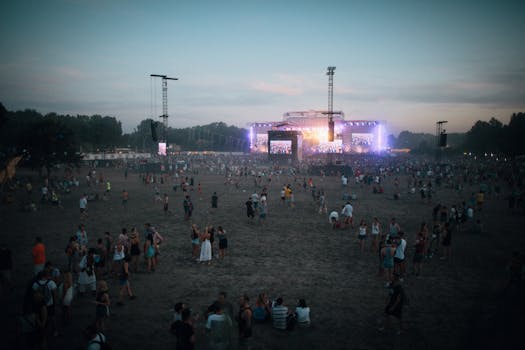
What Every Event Flyer Needs on It
The design can be creative. The information cannot be. Use this as a checklist before you export.
| Element | Why it matters | Placement |
|---|---|---|
| Event name | It is the searchable identity of the event | Largest text, top third |
| Date and start time | Prevents wasted messages and no-shows | Directly under the name |
| Venue or platform | Tells people whether they can attend | Mid-section, easy to scan |
| Entry details | Sets expectations before arrival | Near the venue line |
| Call to action | Explains the next step: RSVP, register, or share | Bottom, high contrast |
Free Tools and Paid Tools in the Same Workflow
Free options are genuinely usable now, which is why the free tier is where most organizers should start. Paid tiers usually appear when you need more variation, more exports, or brand controls across a series of events. The listicle coverage of AI flyer generators consistently splits tools into free and paid flexible design options, and that split is a fair way to think about the category.
| Approach | Best for | Trade-off to expect |
|---|---|---|
| Prompt-to-design generator | Fast one-off flyers and non-designers | Less granular control over layout |
| Free template plus AI editing | Consistent branding across events | Designs can look familiar if templates repeat |
| AI copy assistance in a document or design app | Polishing headlines and promotional text | You still handle the visual layout |
Check current feature limits and licensing terms directly with whichever tool you choose, because free tier conditions change and the research behind this article does not lock in specific plan details.
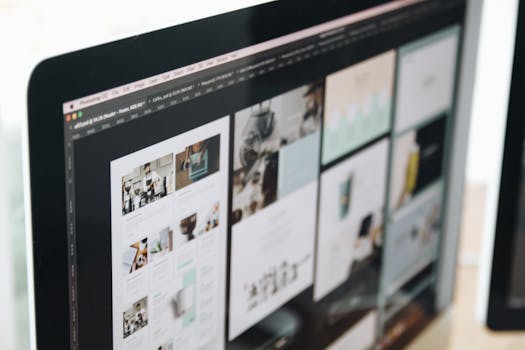
Design Rules That Keep AI Flyers Readable
- Keep the headline short enough to read on a phone at arm's length.
- Use one dominant image or graphic idea instead of a collage.
- Limit the palette to a small set of colors so text stays legible.
- Leave breathing room around the event name and date.
- Check contrast between text and background before exporting.
- Export at a size that stays sharp when shared on social feeds.

Mistakes That Make an Event Flyer Look Generic
The most common problem is asking the AI for a style instead of a scene. "Make it exciting" produces the visual equivalent of a shrug, while "an evening rooftop gathering with warm string lights and a small crowd" gives the generator something to build. The second common problem is overcrowding: cramming sponsors, hashtags, a full lineup, and three calls to action into one image. Split the information between the flyer and the event page in Eventweet, and let the flyer do one job well.
The third mistake is treating AI output as final. Prompt-based designs are a strong first draft, and a few minutes of editing on the headline, the crop, and the text contrast is usually the difference between a flyer that looks generated and one that looks intentional. Review every generated design for accuracy before it goes public, especially dates, times, and venue names.
Frequently Asked Questions
Is there a truly free AI event flyer maker?
Yes. Several tools advertise free AI flyer creation, including Edraw.AI's online flyer maker and Designhill's flyer maker, which promotes creating a professional flyer without spending anything. Microsoft Word also offers free, customizable printable flyer templates. Free tiers may carry limits on exports, templates, or features, so confirm the current terms with each tool before you commit a campaign to it.
Can AI design a flyer as well as a professional?
AI can produce a strong first draft quickly, including headline, layout, graphics, and typography in a single pass. Whether it matches a professional depends on the prompt and the editing that follows. Non-designers can get very usable results, while organizers with demanding brand standards will still want a review pass for typography, spacing, and accuracy.
What should I include on an event flyer?
Include the event name, date, start time, venue or platform, entry details, and one clear call to action such as RSVP or register. Keep the headline short and the supporting text scannable. Anything that does not help someone decide to attend belongs on the event page instead of on the flyer itself.
Can I make an event flyer on my phone?
Yes. Many AI flyer tools run in a browser, and Eventweet is built mobile-first, so the copy generation, event page, RSVP tracking, and social sharing can all happen from a phone. Browser-based editors work best on a stable connection, and exporting a high-resolution file matters if the flyer will be printed.
How do I know if my flyer is working?
Pair the flyer with an event page that tracks RSVPs so you can connect promotion to response. In Eventweet, RSVP tracking and ticketing sit alongside the event listing, and social integrations let you push the same graphic to multiple channels. Compare responses across flyer versions to learn which visual direction your audience actually responds to.